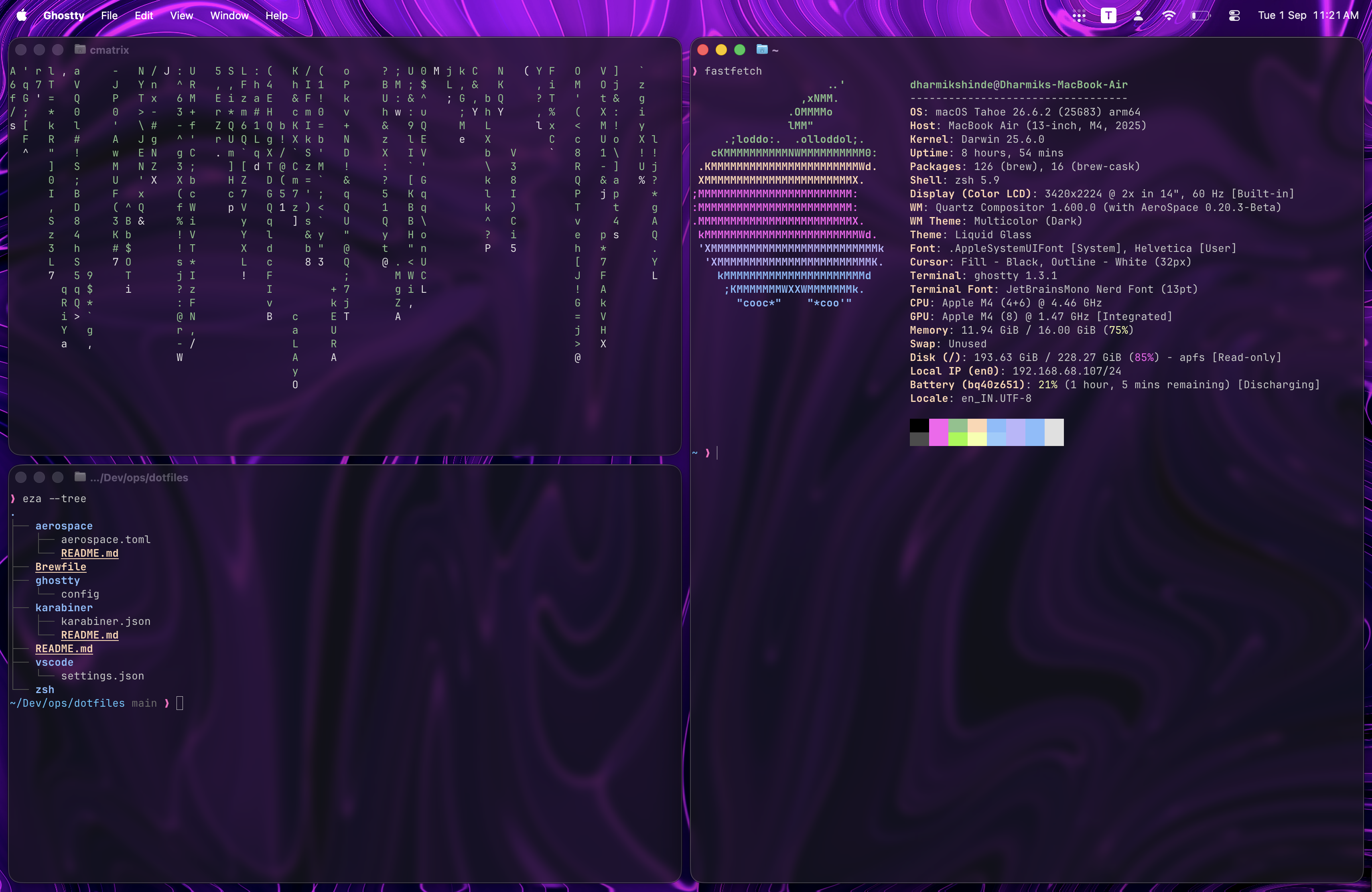
Ricing your setup is fun until you spend six hours tweaking blur effects and transparent terminals, only to realize your workflow breaks on every minor OS update.
Mac hardware is peak, but default macOS window management makes you want to smash your screen. Cycling through 15 overlapping windows with Cmd + Tab and hunting for tiny close buttons with a trackpad is straight up painful.
Here’s how I turned macOS into a fast, keyboard-driven workstation that actually speeds up my work instead of getting in the way.
All my configs, Karabiner rules, and scripts are open source at iamdmix/dotfiles.
Window Management: AeroSpace
Forget Magnet or Rectangle. If you want proper i3/sway style tiling on Mac without disabling System Integrity Protection (SIP), AeroSpace is the move. Yabai breaks every time Apple drops a patch; AeroSpace just works.
I keep context switching instant by routing apps to dedicated lettered workspaces on launch:
- T — Ghostty (Terminal)
- C — VS Code
- S — Browser (Surf)
- N — Obsidian (Notes)
- W — WhatsApp
- M — Apple Music
Navigation stays mapped to standard Vim keys (Option + H/J/K/L). Once the muscle memory sets in, using a mouse to drag windows around feels absurdly slow.
Keyboard Engine: Karabiner Sublayers
Caps Lock is prime real estate sitting totally wasted on standard keyboards. Using Karabiner-Elements, tapping Caps Lock acts as Escape, and holding it down triggers a Hyper Key (Ctrl + Option + Shift + Cmd).
Holding Hyper unlocks modal sublayers right on the home row:
- Hyper + O — Open Apps (
Tfor Ghostty,Cfor Code,Sfor Browser,Nfor Notes) - Hyper + W — Window tiling & display switching
- Hyper + S — Volume, brightness, and light/dark mode toggles
- Hyper + R — Raycast (clipboard, AI, emoji picker)
Fixing the Caps Lock Hardware LED
To stop macOS from flashing the green Caps Lock LED on every hit:
- Open System Settings.
- Go to Keyboard -> Keyboard Shortcuts... -> Modifier Keys.
- Select your physical keyboard and set Caps Lock to No Action.
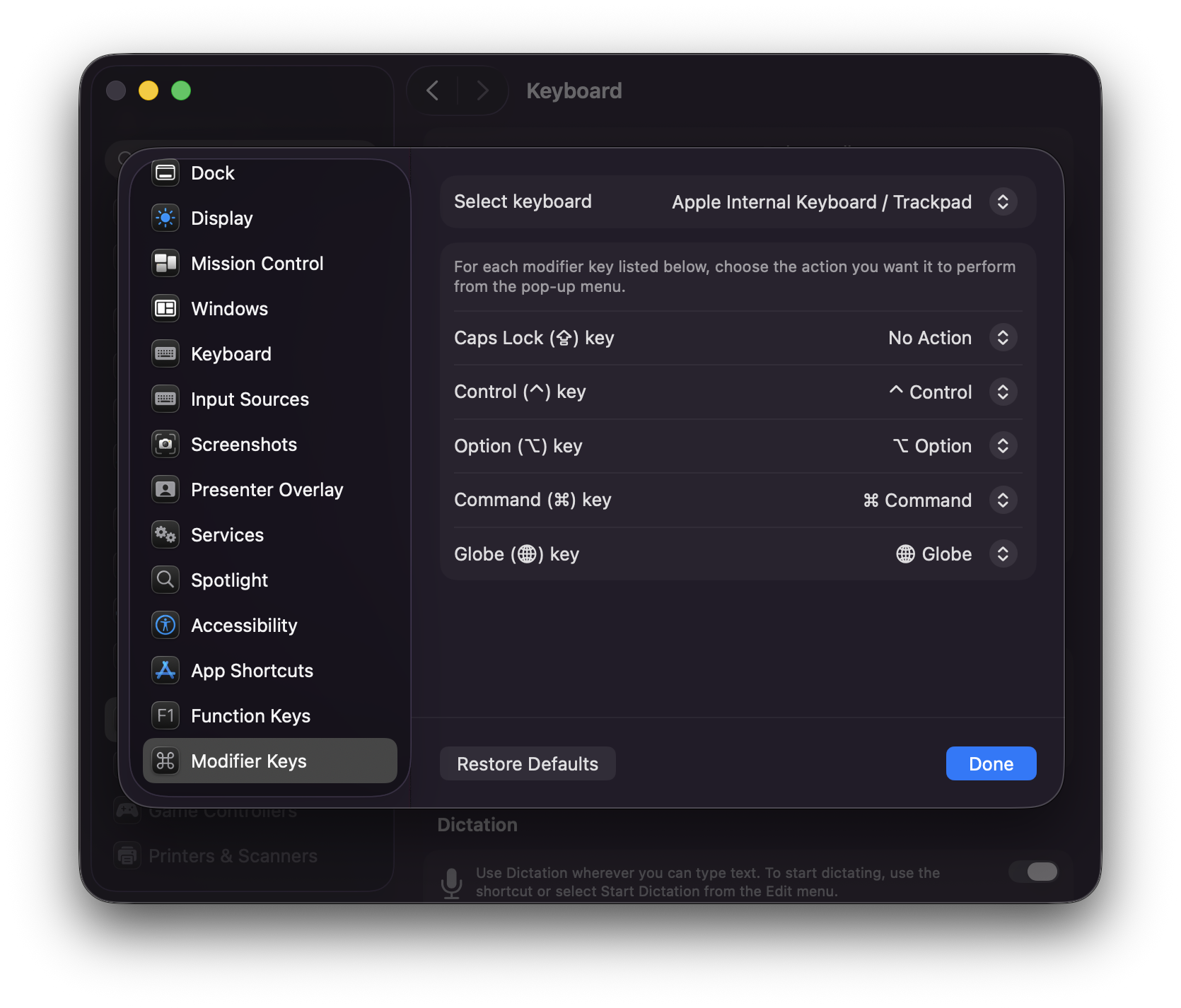
This stops macOS from capturing the raw hardware event, keeping the green light dead while Karabiner handles the bindings cleanly in the background.
Terminal & Editor Stack
For the terminal, Ghostty is straight-up elite. Fast, GPU-accelerated, and renders fonts clean out of the box without weird hacks. Pair it with Zsh, Powerlevel10k, and modern CLI tools (eza, bat, ripgrep, zoxide) to make shell navigation effortless.
VS Code: Decluttering Everything
Most of setting up VS Code is just hiding UI clutter. Command palettes and keybindings make sidebars and toolbars totally pointless:
- Hide activity bar, status bar, and minimap.
- Turn off breadcrumbs.
- Use JetBrains Mono Nerd Font with comfortable line height.
You get a clean canvas where only your code is visible.
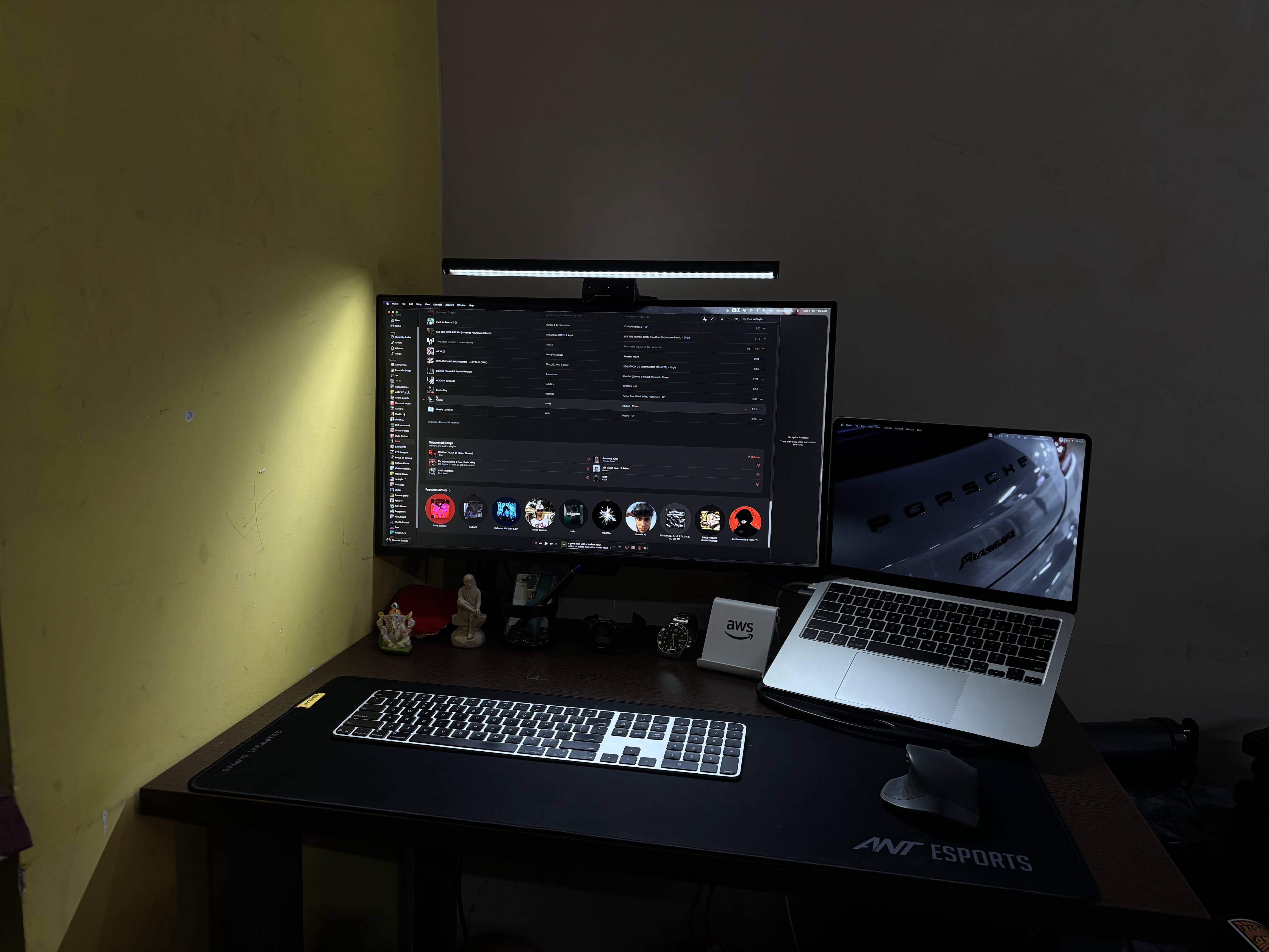
At the end of the day, your environment should boost your output, not be a full-time tinkering hobby.
Check out the full repo, Karabiner DSL configs, and setup steps at iamdmix/dotfiles.